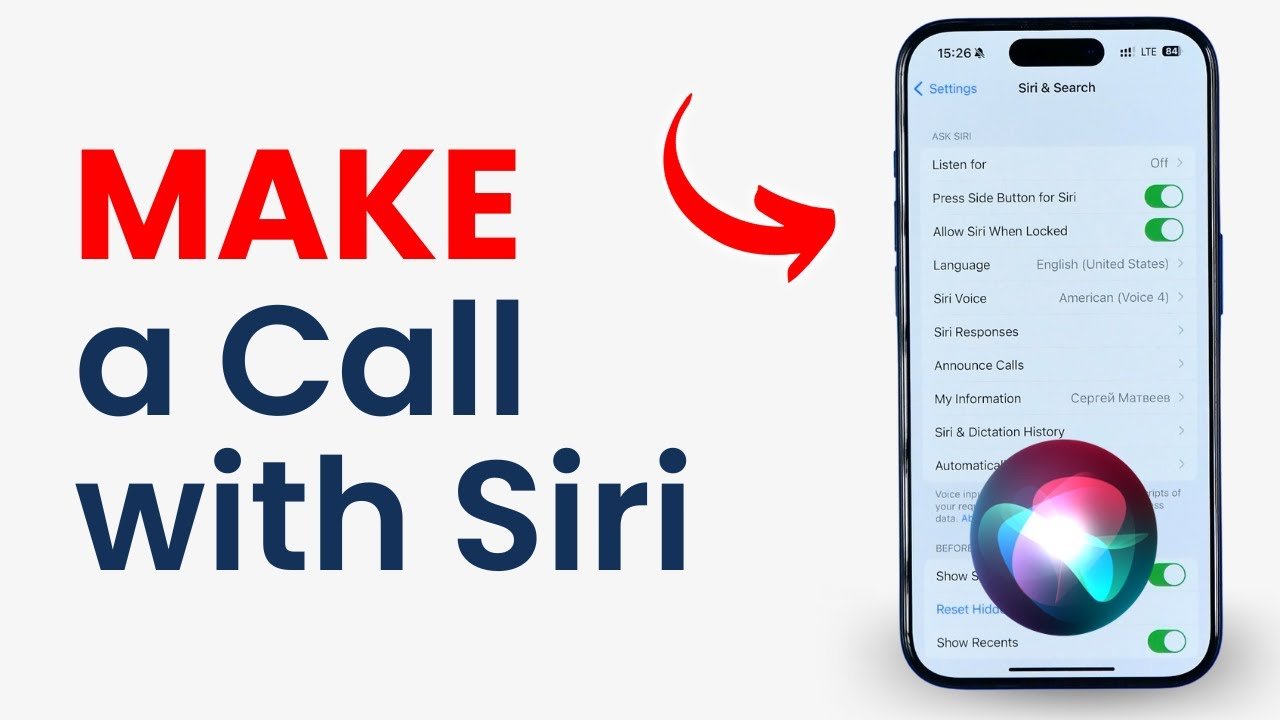
“Hey Siri” is a voice activation feature that allows users to interact with their iPhone or other Apple devices using only their voice. Instead of manually dialing a number, you can simply speak and Siri will do the task for you.
For example, you can say:
- “Hey Siri, call Ali”
- “Hey Siri, dial my brother”
Siri will instantly recognize your command and start the call.
How to Enable “Hey Siri”
Before using voice call features, you need to make sure Siri is enabled on your device. Follow these steps:
- Open Settings on your iPhone
- Tap on “Siri & Search”
- Turn on “Listen for ‘Hey Siri’”
- Follow the voice setup instructions
Once activated, your phone will respond whenever you say “Hey Siri.”
How to Make a Call Using Siri
Making a call with Siri is very simple and fast.
Steps:
- Say “Hey Siri”
- Speak your command clearly, such as:
- “Call Ahmed”
- “Call Mom on speaker”
- Siri will confirm and place the call
If the contact has multiple numbers, Siri may ask you which one to use (mobile, home, or work).
Calling Unknown Numbers
You can also call numbers that are not saved in your contacts. Just say:
- “Hey Siri, call 0300-1234567”
Siri will dial the number immediately. This is useful when you need to make a quick call without saving a contact.
Using Siri with AirPods or Car
Siri becomes even more powerful when used with devices like Apple AirPods or Apple CarPlay.
- With AirPods, you can double-tap or say “Hey Siri” to make calls hands-free
- In your car, Siri allows safe driving by letting you call without touching your phone
This makes communication safer and more convenient, especially while driving.
Benefits of Using “Hey Siri” for Calls
1. Hands-Free Convenience
You don’t need to unlock your phone or open the dialer. Just speak and your call is placed.
2. Saves Time
Voice commands are faster than typing or searching contacts manually.
3. Safer While Driving
You can keep your hands on the wheel and still make calls easily.
4. Accessibility
It helps people with disabilities or those who find it difficult to use touchscreens.
Common Issues and Solutions
Sometimes Siri may not work properly. Here are a few common problems and fixes:
- Siri not responding: Check if “Hey Siri” is enabled
- Wrong contact called: Speak clearly and use correct names
- No internet: Some Siri features require an internet connection
Restarting your device or updating iOS can also fix many issues.
Safety and Privacy Tips
While Siri is very helpful, you should also consider your privacy:
- Avoid using Siri in public for sensitive calls
- Keep your phone locked with Face ID or passcode
- Disable Siri on lock screen if you want extra security
Conclusion
“Hey Siri” voice call feature is a powerful tool that makes communication faster, easier, and safer. Whether you are at home, walking, or driving, you can simply use your voice to stay connected. By enabling Siri and learning a few simple commands, you can save time and improve your daily productivity.